01 / SPEED GLITCH
Speed Glitch
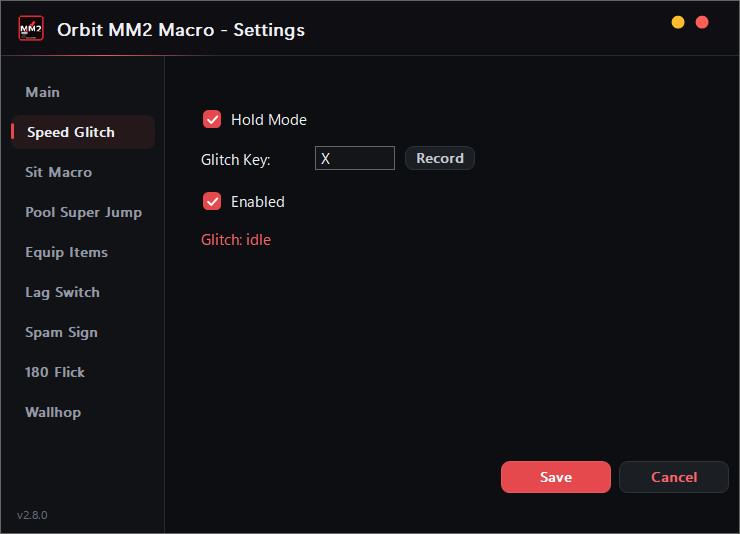
Spins your camera with extreme precision while holding W — equip a heavy item, hold jump, and you rocket across the map. Toggle or Hold mode.
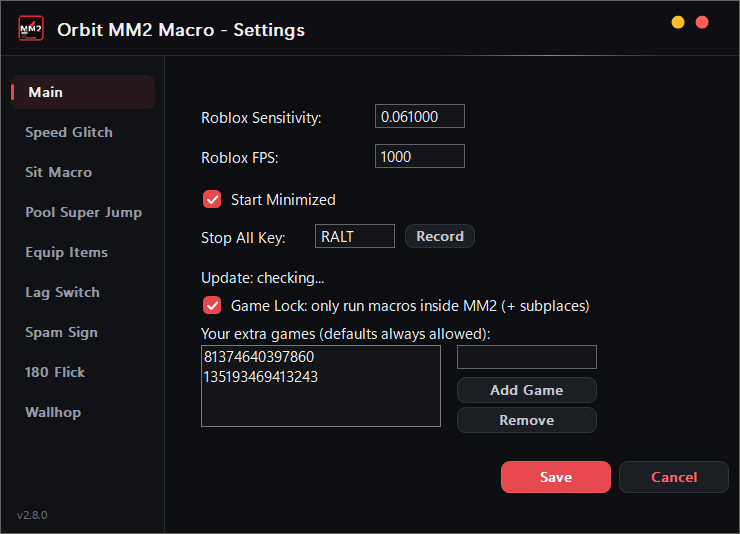
Eight macros, one exe. Speed Glitch, Sit, Pool Super Jump, Equip Items, Lag Switch, Spam Sign, 180 Flick and the new Wallhop — each on its own hotkey, dialed into your Roblox sensitivity and FPS. Game Lock keeps every macro firing only while you're inside MM2.
Every macro gets its own capture-key and can be armed or disarmed independently from the settings window.
Spins your camera with extreme precision while holding W — equip a heavy item, hold jump, and you rocket across the map. Toggle or Hold mode.
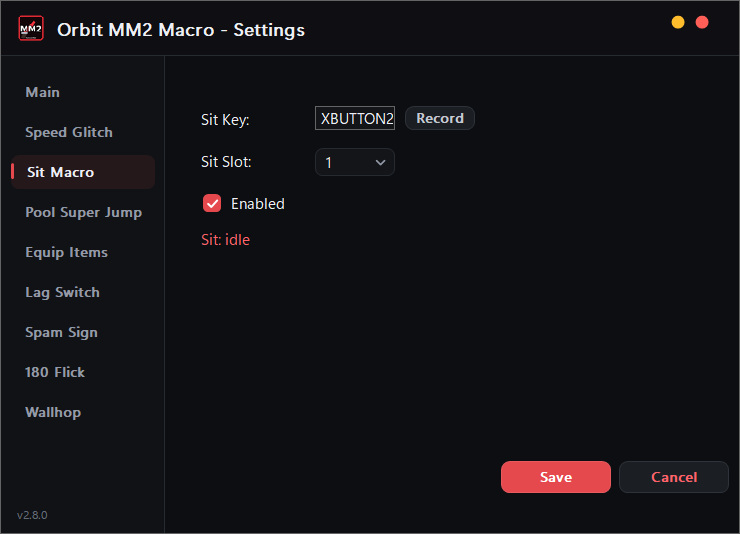
Drops your character into the sit emote with a single hotkey — set your Sit Slot once and one press handles the rest.
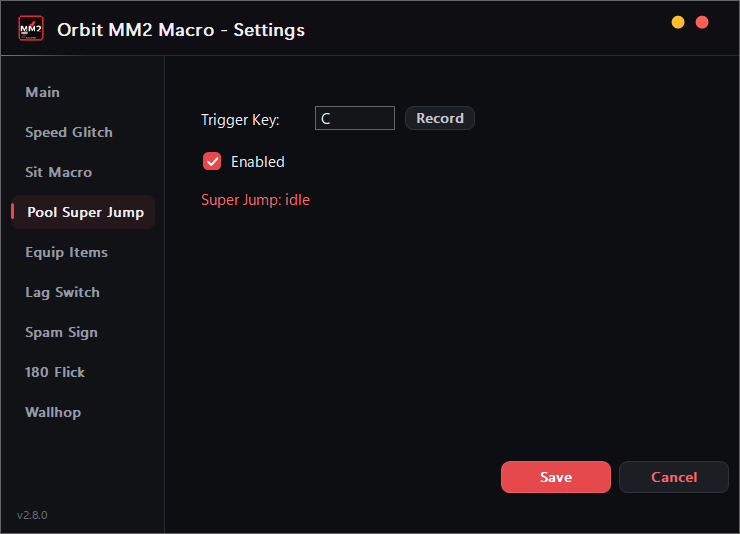
Dive to the bottom of the pool, hold W, and launch into a super jump — summer events only, since MM2 has no pools the rest of the year.
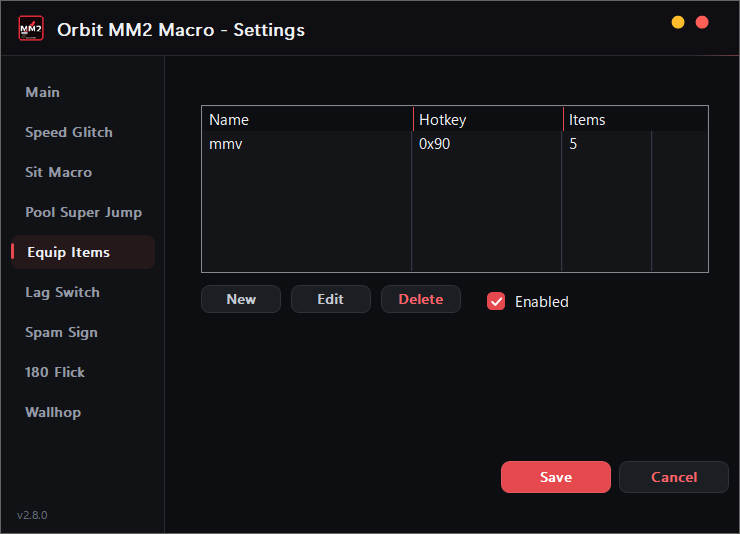
Equips your favorite toys one after another with a single hotkey, using your own custom delays.
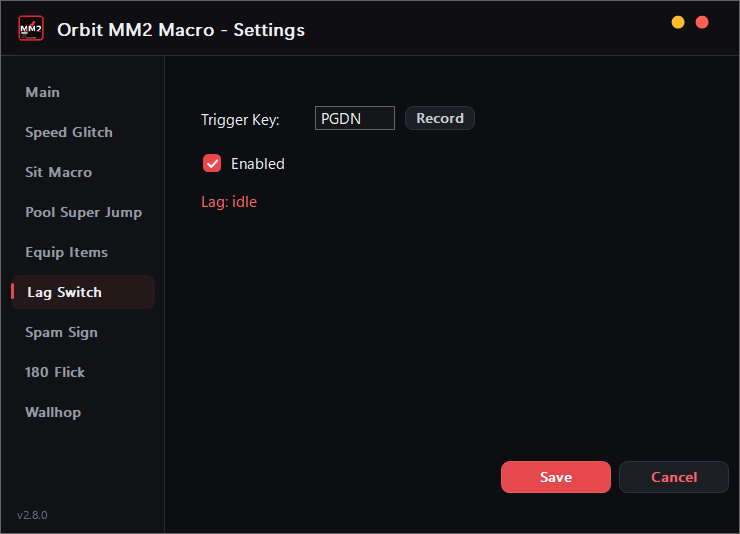
Lags your connection hard — as the murderer, lets you kill players while you're practically teleporting. Trigger key, instant on/off.
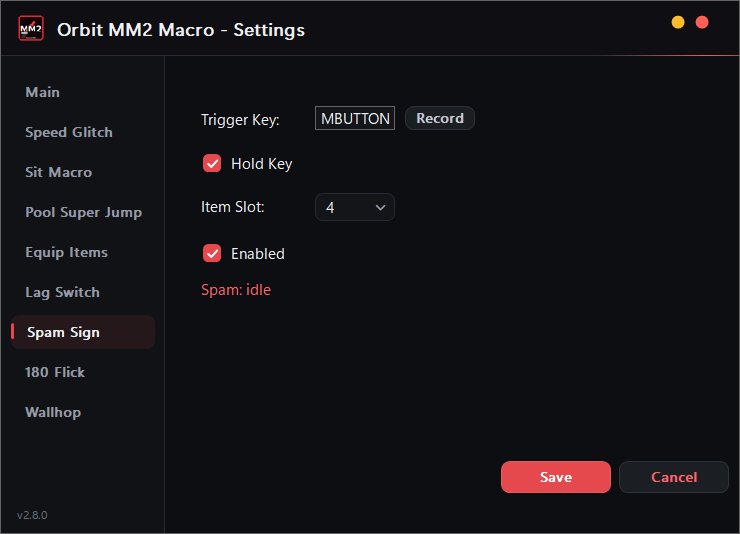
Equips and unequips the sign as fast as possible — combined with the zen emote, it clips you through thin walls.
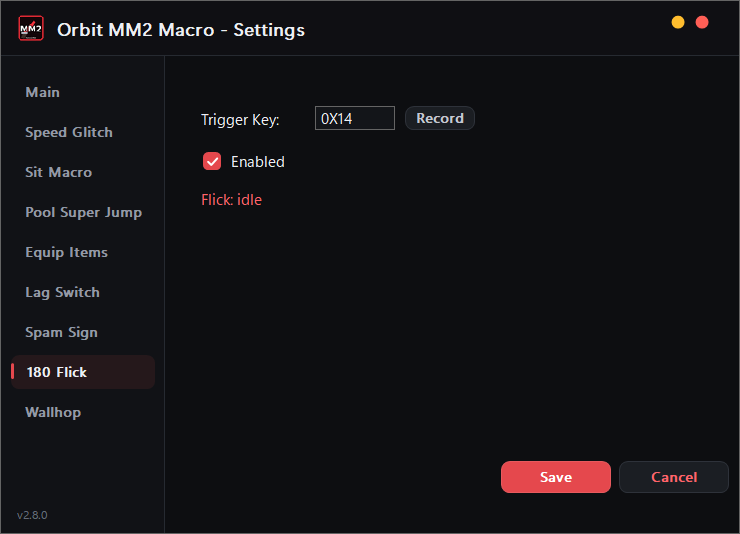
Made for the Sheriff: one hotkey spins you 180° and fires your gun in a single motion, as fast as possible.
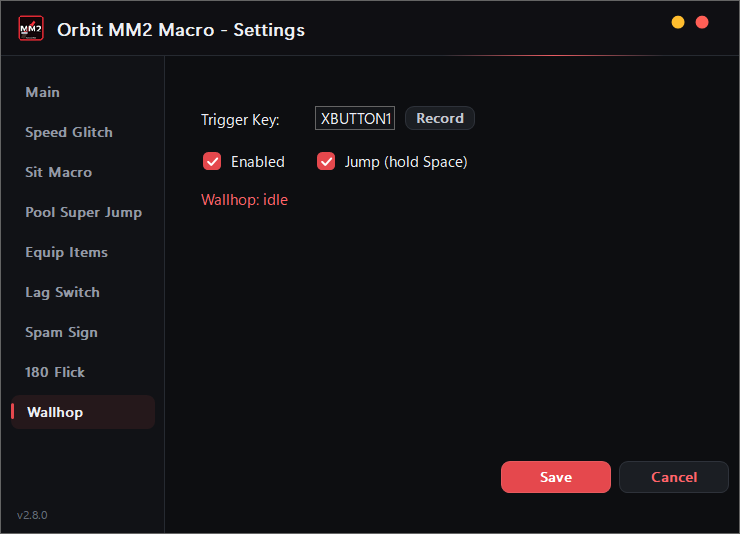
Flicks your camera and jumps right after — a clean wallhop every time, at any FPS cap. The flick distance is computed from your Roblox sensitivity, so it feels right on any setup.
The real settings window — sidebar navigation, clean dark theme, one page per macro.
Four steps between the download and your first glitch.
Run OrbitMM2Macro-Setup.exe from above, pick your desktop / Start menu shortcuts and click Install. The app and its lag switch driver go to Program Files (x86)\OrbitMM2Macro, and it updates itself from then on.
On the Main page, enter your in-game Roblox Sensitivity and your target FPS — the Speed Glitch and Super Jump pixel math both read from these.
Open a macro's page, hit Record and press the key or mouse button you want. Flip Enabled on the ones you're taking into the round.
Hit Save — settings persist at %localappdata%\OrbitMM2Macro\config.ini and the app keeps living in your system tray.
One installer, eight macros, automatic updates. Free forever.